A good introduction. Then a time to talk.
Give recruiters, clients and collaborators the context they need before they book. Your work and your availability belong on the same page.
Bookings, as part of your own page.
Booking sections within your personal page. Keep the context visitors need alongside the action you want them to take.
Explore the product walkthrough →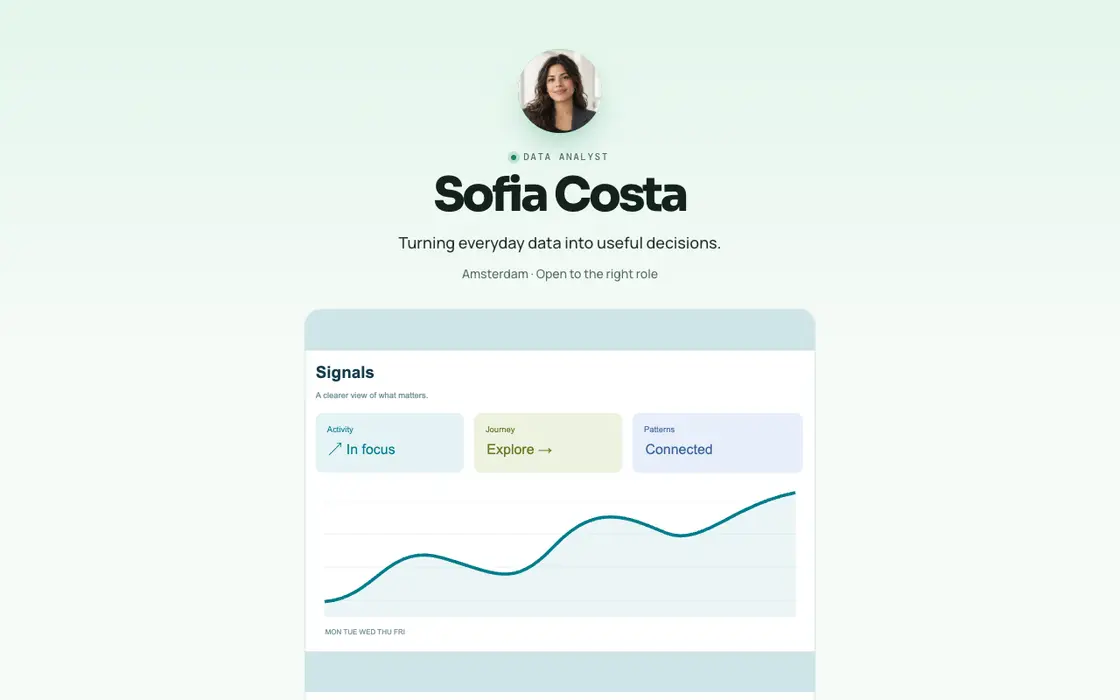
How bookings works
Connect your calendar
Connect Google Calendar and choose the hours and event types you want to offer. A working calendar connection is required for live availability.
Add booking to your page
Put a booking section beside your work, services or contact details. Explain what the meeting is for and how long it lasts.
Let visitors choose a time
Visitors pick an available slot. The meeting is created through your connected calendar flow, with the information needed to prepare.
What you can do
- Booking sections within your personal page
- Google Calendar connection and availability
- Multiple event types for different conversations
Questions
Can I keep showing my projects next to my booking link?
Yes. Booking is a section of your page, so visitors can read your work and then choose a time.
Does adding a booking button guarantee meetings?
No. The page makes scheduling easier; visitors still choose whether to book.
Your next opportunity starts with your work.
Build a page that makes the next step clear.