A personal website won't get you a job by itself. What it does is make every other part of your search work harder: your resume claims have evidence behind them, your LinkedIn has somewhere to send people, and when a recruiter googles your name they find you, not someone else with your name. This is a plan you can finish in an afternoon with any builder.
Quick steps
- Write a one-line headline: role, level, focus.
- Pick two or three projects and write each as problem, what you did, result.
- Add an about paragraph, skills and a downloadable resume.
- Add one clear contact method.
- Publish on a short URL and check it on a phone.
- Link it from your resume header, LinkedIn intro and email signature.
- Follow up on applications when you have a reason.
Step 1: The headline
The first line should let a recruiter place you in three seconds: "Senior backend engineer: payments and reliability" or "Product designer for fintech, 6 years". Skip slogans. If you're changing careers, lead with the target role and back it up below.
Step 2: Two or three projects, written as stories
Each project needs four lines: the problem, your part (not the team's), what you did, and the result with a number if you have one. "Led migration of 40 services to Kubernetes; deploy time 45 min → 8 min." Add one image or diagram if it helps. Three strong projects beat ten thin ones.
If your best work is under NDA, describe the problem and approach without the client name, or write up a side project with the same skills.
Step 3: About, skills, resume
A short about paragraph in the first person, what you're looking for (role, location, remote), your core skills grouped sensibly, and a PDF resume download. Keep the resume and the site in sync; mismatched dates look careless.
Step 4: One contact path
Email or a short contact form, plus LinkedIn. If you're open to calls, a booking link saves a round of emails. Don't list five channels; pick the one you answer fastest.
Step 5: Publish and check
Use a short URL. Your own domain is ideal; a clean builder URL is fine. Open it on your phone on mobile data: if it takes more than a couple of seconds or the text is tiny, fix that before sharing. Run it through our link in bio grader for a quick checklist.
Step 6: Link it everywhere a recruiter looks
Put the URL in:
- Your resume header (see portfolio link on your resume).
- Your LinkedIn intro website link and Featured section (see LinkedIn Featured link).
- Your email signature and GitHub, Dribbble or Behance profiles.
- Cover letters and application forms that ask for a website.
Step 7: Follow up with a reason
Most applications go quiet. A polite follow-up a week later is normal; one sent when you know they looked is better. Some job seekers use per-application links for this so they know when a company opened their site. It doesn't guarantee a reply, but it tells you which applications are alive.
Also read how recruiters find candidates: the site helps most when your name, role and city match across LinkedIn, the site and your resume.
What to write when you think you have nothing to show
Early-career and career-changing job seekers often stall at step 2. You have more than you think. A class or bootcamp project counts if you describe the problem and your decisions honestly. So does a volunteer project, an internal tool you built at a non-tech job, or a teardown: pick a product you use, identify one problem, and write how you'd fix it with sketches or a prototype.
Be precise about your role. "Built the data pipeline for a team project (Python, Airflow)" is credible; "Built an AI platform" isn't. Recruiters reward clarity over scale.
A checklist before you share it
- Your name, role and city match your LinkedIn and resume exactly.
- The page loads in a couple of seconds on mobile data.
- Every link works, including the resume download.
- The preview card looks right when pasted into LinkedIn or WhatsApp.
- There's one obvious way to contact you, and you check it daily.
- You've asked one friend to read it for two minutes and tell you what you do.
Keep it alive during the search
A job search can run for months. Every two weeks, update the page with anything new: a finished side project, a course, a talk, a post that did well. Recruiters who revisit a page and see fresh work read it as momentum. When you land the role, don't take the page down; change the headline to your new title and keep it as the home for your work. The next search starts from a page that already exists.
How featurd does it
featurd does steps 1 to 5 for you: paste your LinkedIn or upload a resume and Ivo drafts the headline, project stories and contact section, which you edit in place. It's free, including all looks. Pro adds a custom domain, more pages (one per role you're targeting), and tracked links per application that show when the link was opened, on what device and from which country. We don't promise interviews or search rankings; we make the evidence easy to see and the follow-up easy to time.
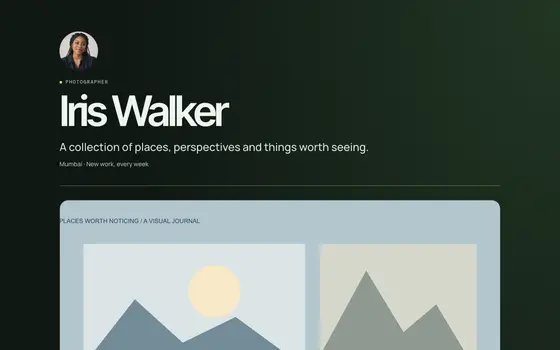 Venture
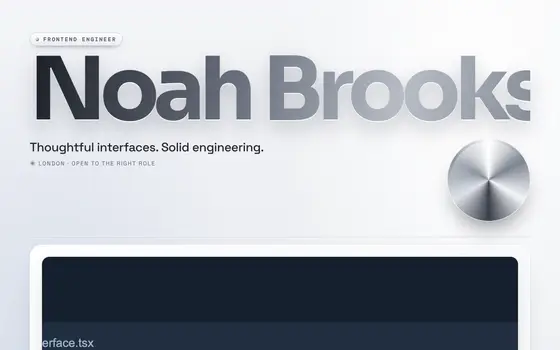 Liquid Chrome
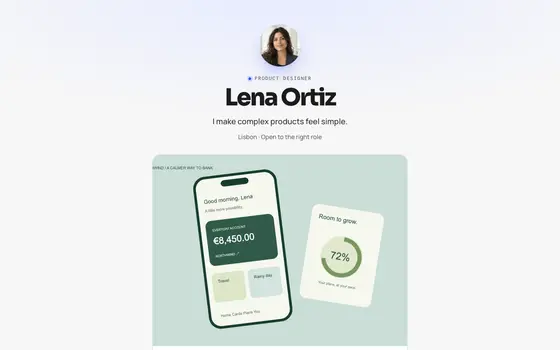 Signal